







Get Best Selling
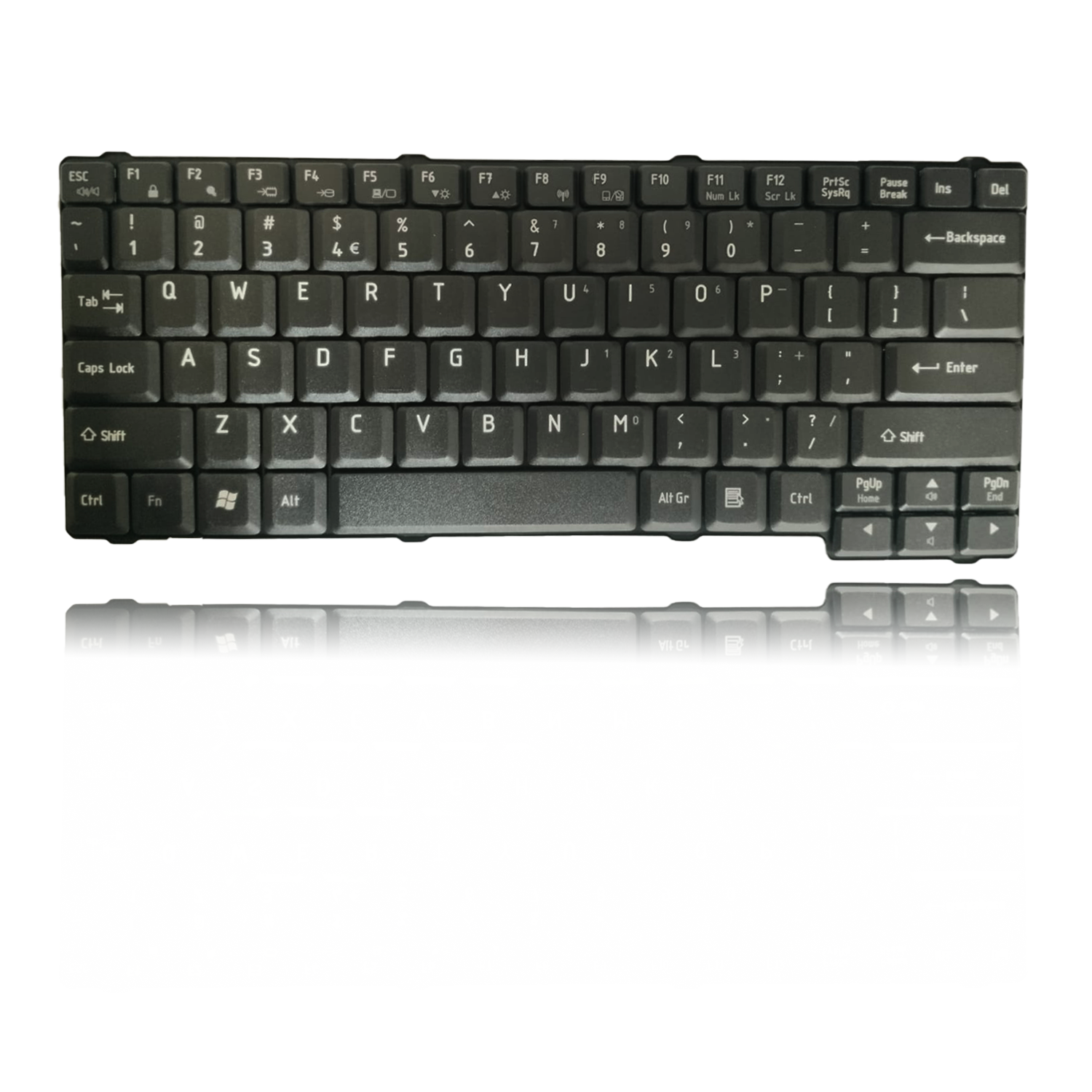
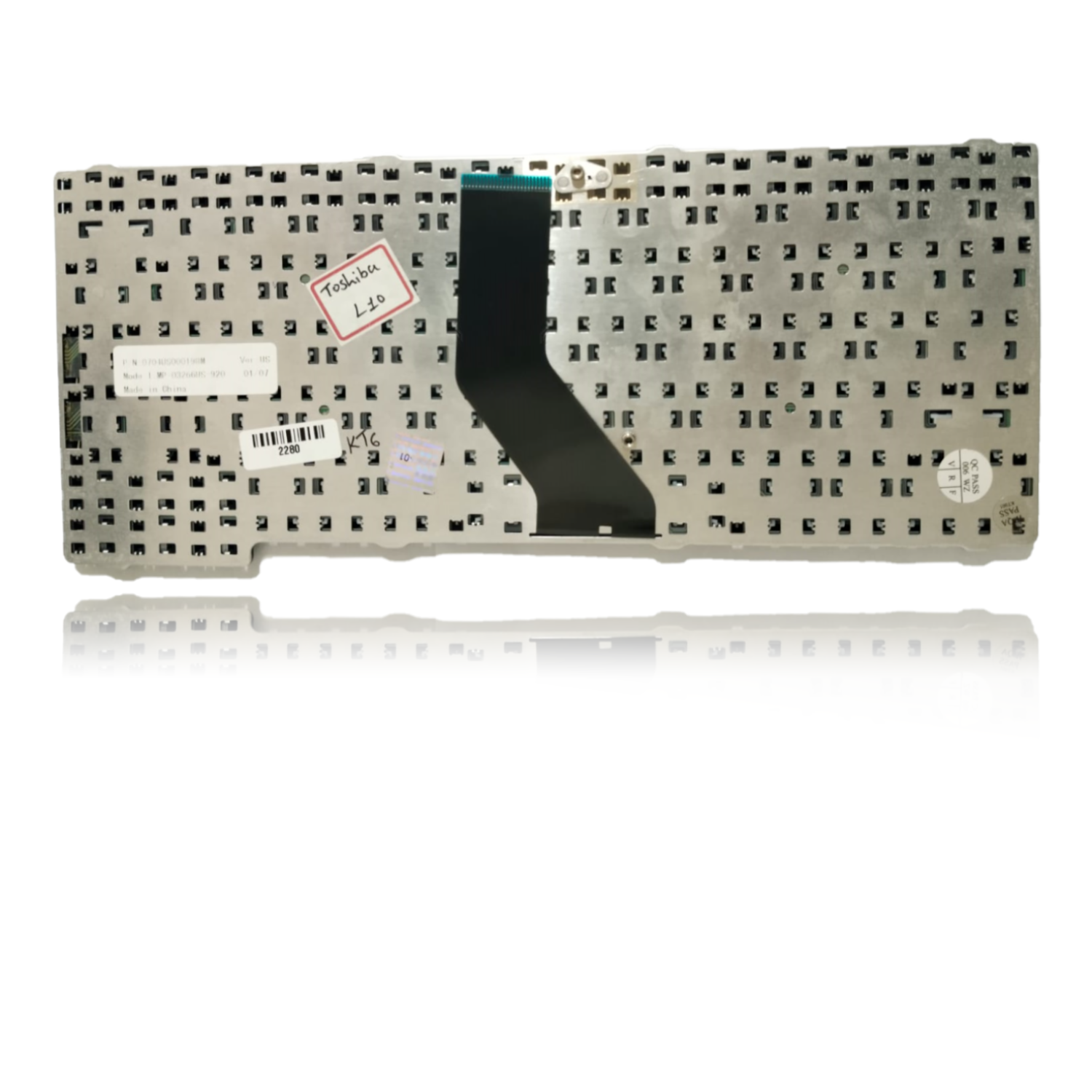
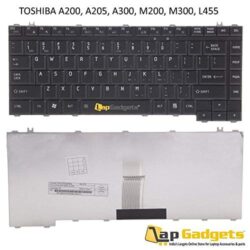
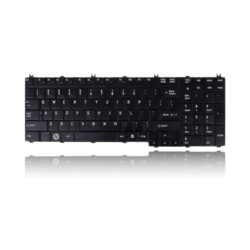
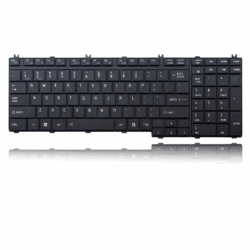
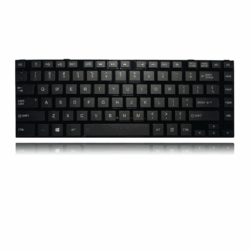
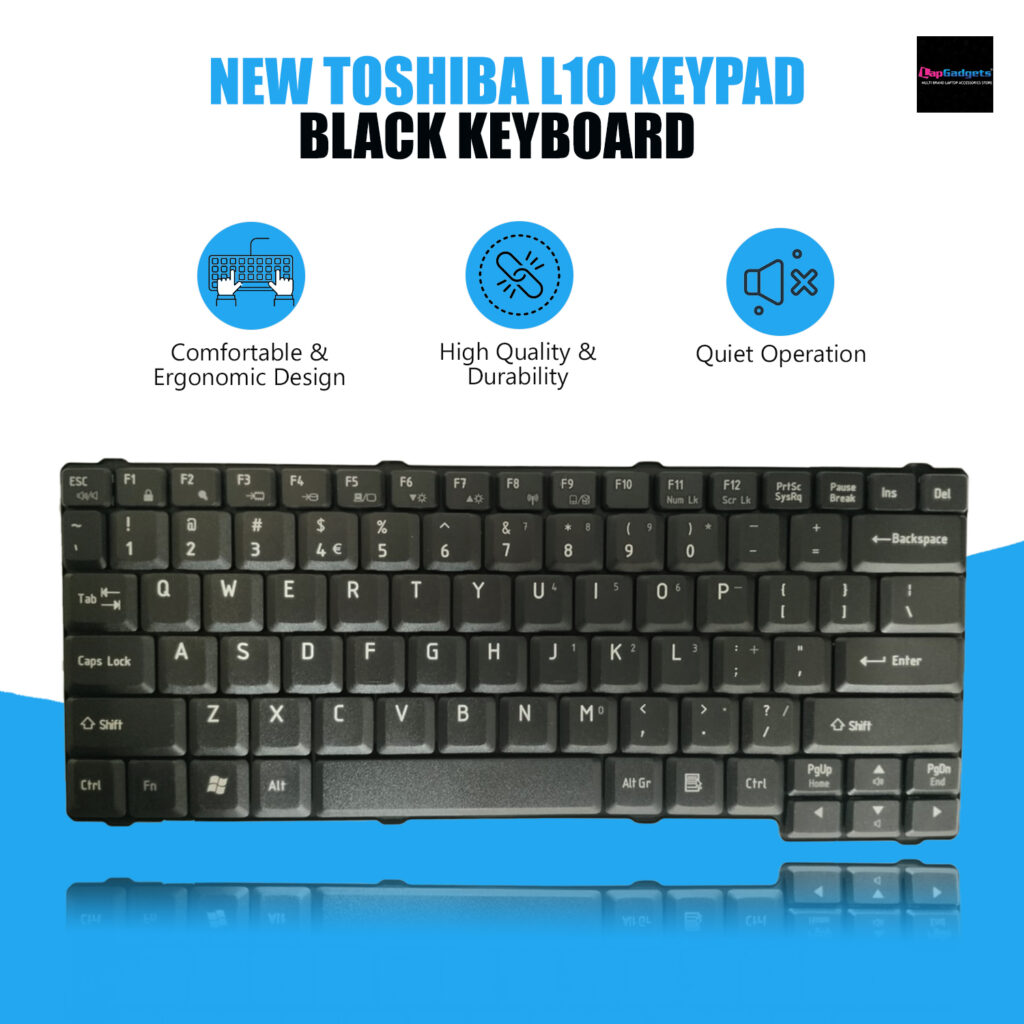
Laptop Keyboard for Toshiba Satellite L10, L15, L20, L25, L35, L35-S2174 Series
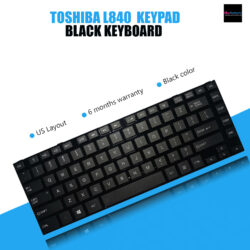
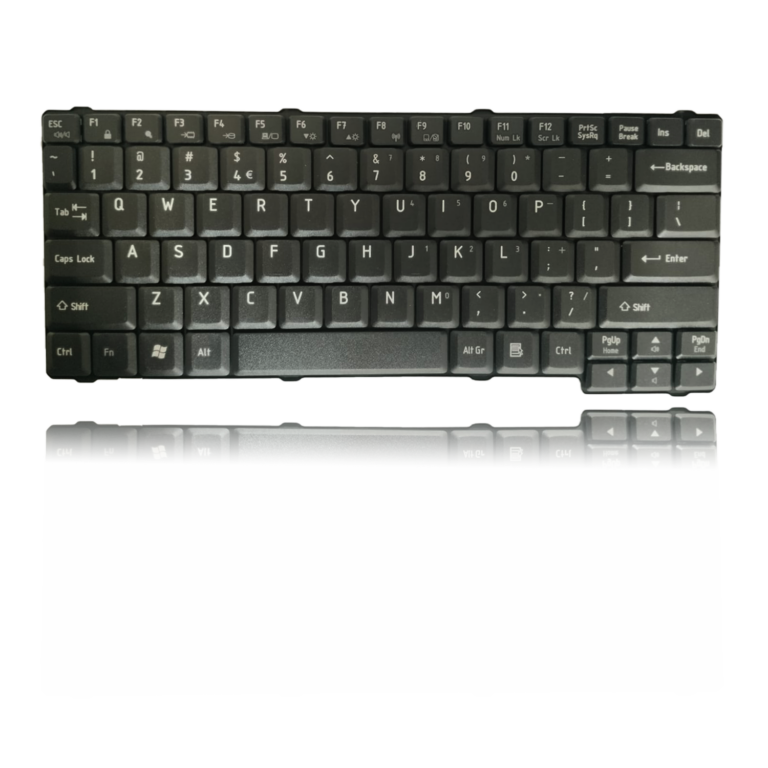
Toshiba Laptop Keyboard For L10, L15, L20 US Version
6 months warranty Lap Gadgets
Product Description
Toshiba Laptop Keyboard L10
n today’s fast-paced digital age, our laptops are our trusty companions for work and leisure. If you happen to own a Toshiba Satellite from the L10, L15, L20, L25, L35, or L35-S2174 Series, you know the importance of a reliable keyboard. When it starts to show signs of wear and tear, it’s essential to consider a replacement. In this guide, we’ll explore the key aspects of upgrading your laptop with a new keyboard
Benefits:
- Comfortable and productive typing
- Easy to see in low-light conditions
- Protection from spills and accidents
- Long-lasting durability
Signs of Keyboard Troubles
Before diving into the replacement process, let’s identify common signs of keyboard issues:
Sticky or Unresponsive Keys: If some keys don’t register your presses or feel sticky when pressed, it’s time for a change.
-
Worn-out Letters: Do the letters on your keys look faded or completely worn off? It’s not just about aesthetics; it affects usability too.
Random Keypresses: If your laptop starts typing characters on its own, it’s a definite sign of a keyboard problem.
Perfect Compatibility: Toshiba’s keyboards are designed to seamlessly fit and function with your laptop, ensuring a hassle-free replacement process.
-
Quality Assurance: Genuine Toshiba keyboards undergo rigorous quality checks, ensuring durability and longevity.
-
Warranty Protection: Choosing authentic Toshiba parts often comes with warranty coverage, providing you with peace of mind.
-
Product highlights
The Replacement Process
Now that you’ve recognized the need for a new keyboard, let’s walk through the steps to replace it effectively.
Prepare Your Workspace: Start by turning off your laptop and disconnecting any cables or peripherals. Lay it on a clean, flat surface with adequate lighting.
Locate the Screws: Carefully flip your laptop over and look for screws securing the keyboard. Unscrew them gently, keeping track of their placement.
Removing the Old Keyboard: Once the screws are removed, gently lift the old keyboard. Be cautious not to damage any cables connected to it. Disconnect these cables carefully.
Installing the New Keyboard: Now, it’s time to install your new keyboard. Connect the cables as they were on the old one and place the keyboard back into position.
Secure with Screws: Tighten the screws back into place to secure the new keyboard.
Test Your New Keyboard: Before fully reassembling your laptop, power it on and test the keyboard to ensure all keys are functioning correctly
Final Reassembly: Once you’re satisfied with the new keyboard’s performance, reassemble your laptop by following the steps in reverse order.
Warranty
- 6 months by Lap Gadgets India. (No warranty for burned or damaged pins / cables)
Return & Replacement
- We are confident in our product hence we give you 10 days free returns & 30 days self return window to either get replacement or return (know more)
Why buy from Lap Gadgets ?













Reviews
There are no reviews yet