
Sale!

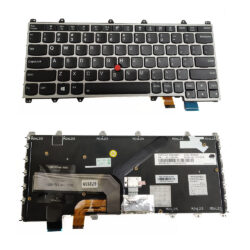
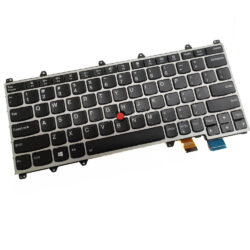
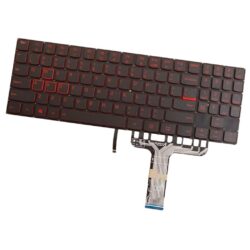
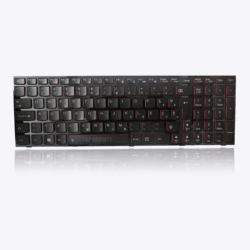
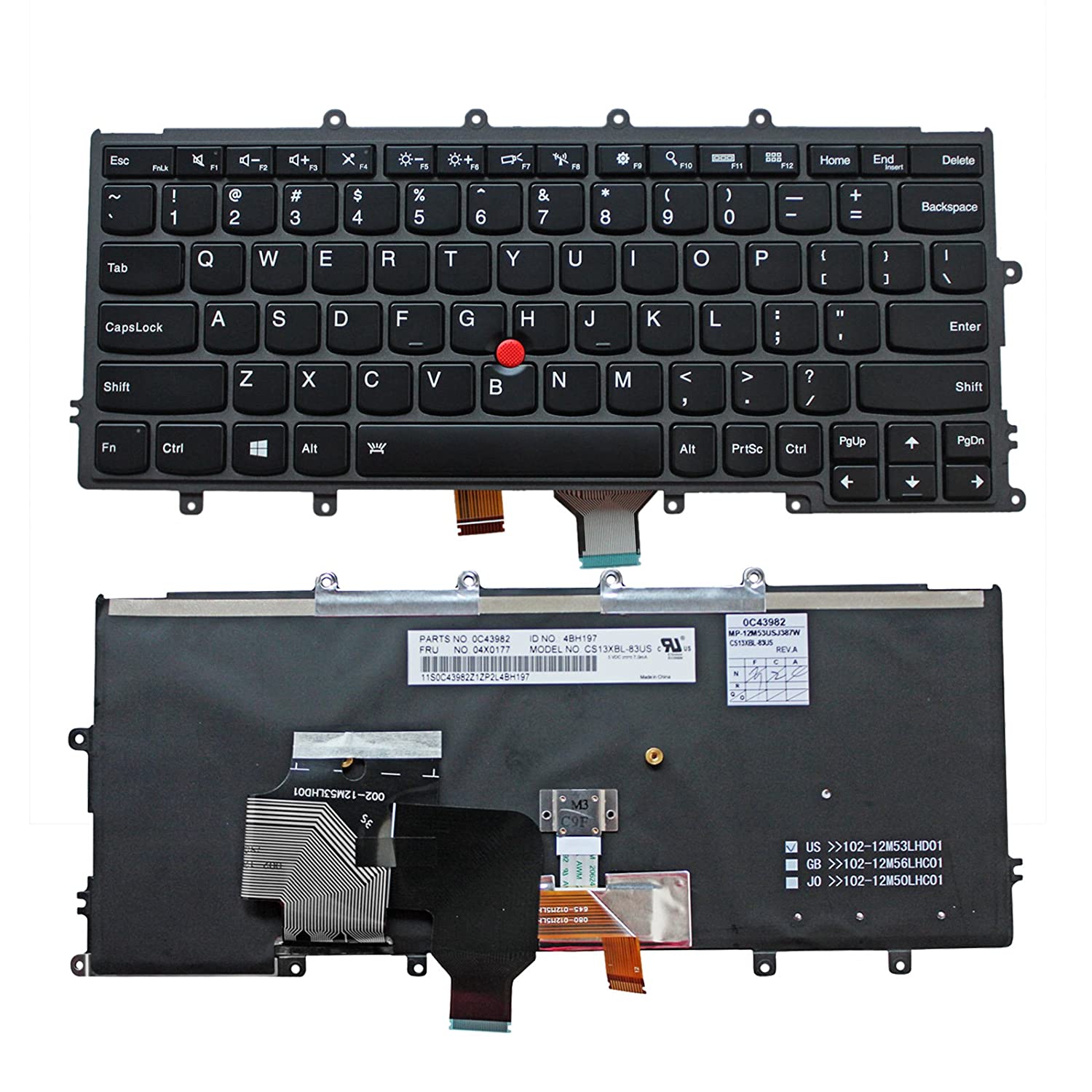
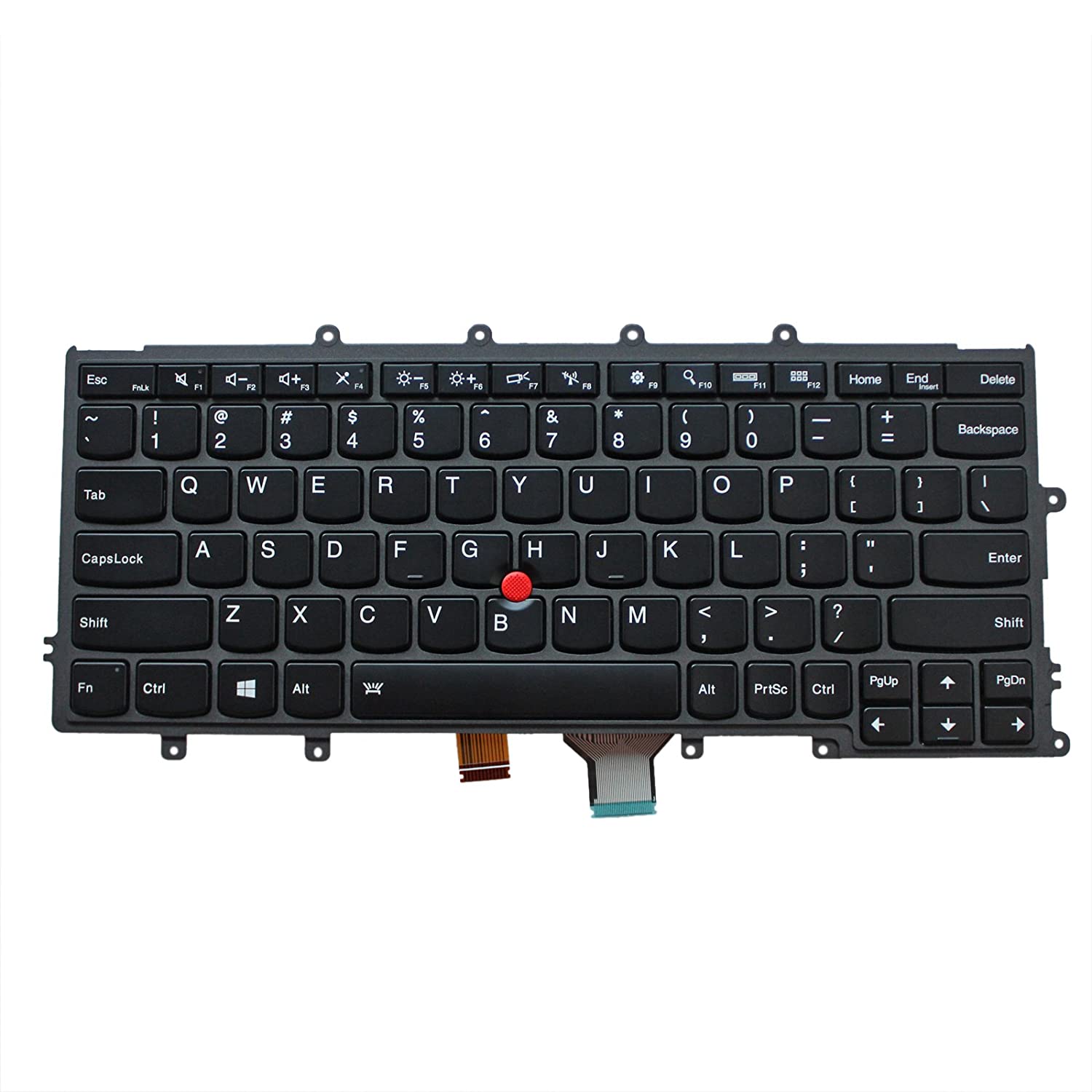
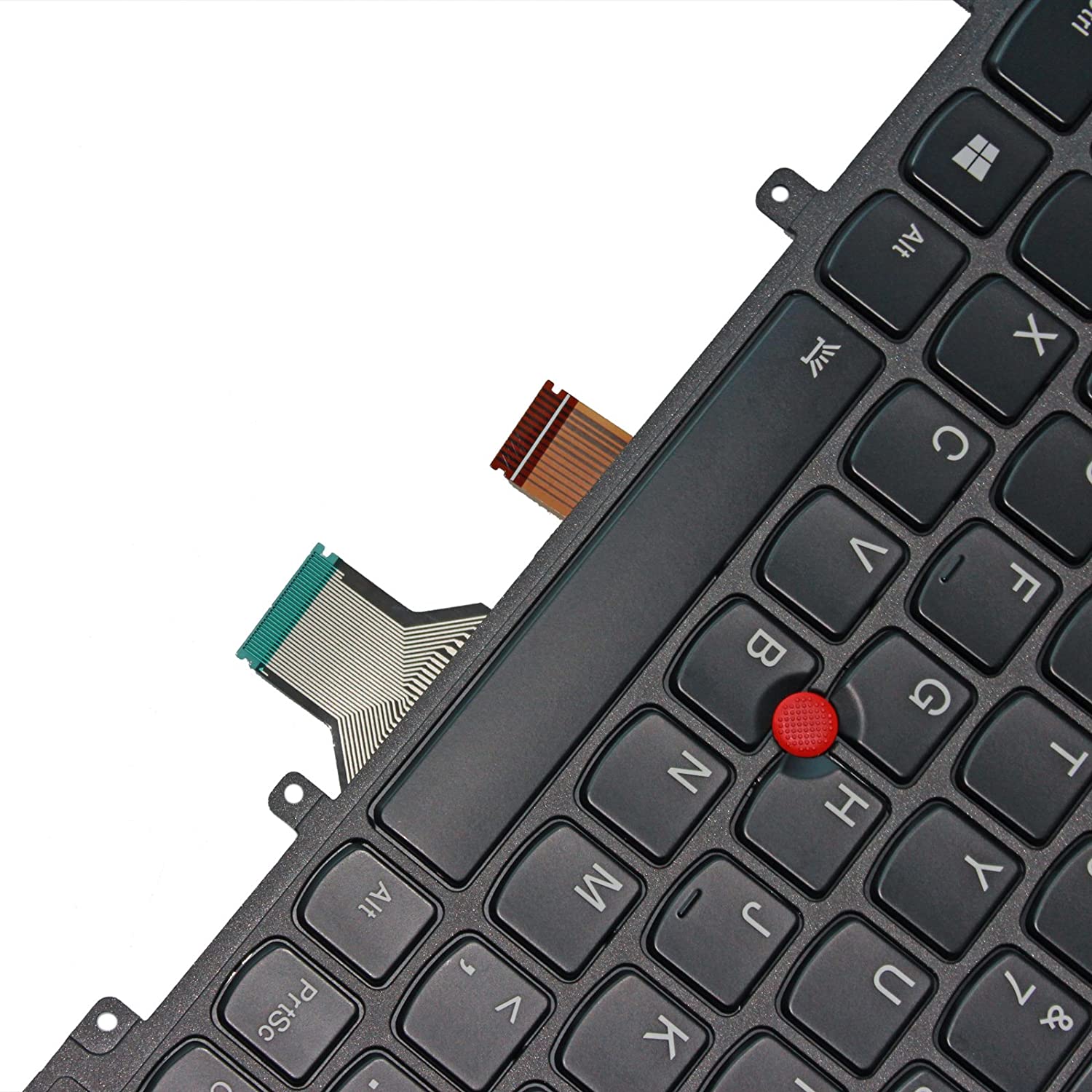
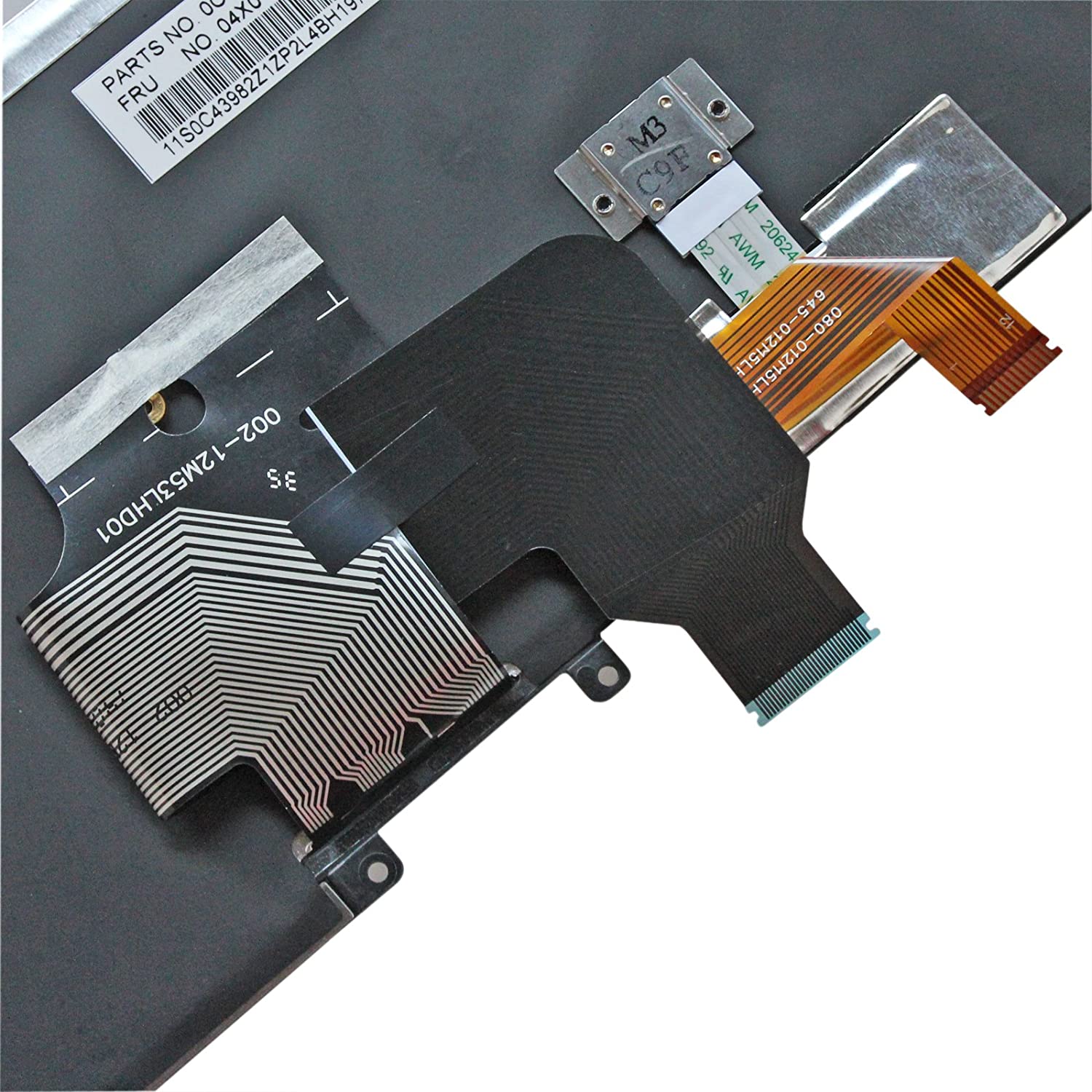
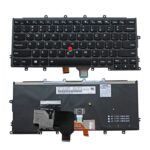
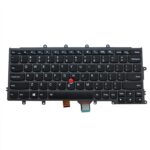
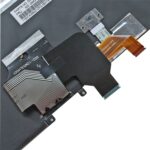
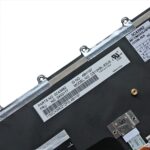
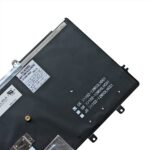
US Backlit Keyboard for IBM Lenovo ThinkPad X240 X240S X250 X260 (Black)

🔥 3 sold in past months!

Original price was: ₹5,999.00.Current price is: ₹3,999.00. Incl GST

-33%
1 review
⌨️ 7,728+ Keyboards Delivered
🛡️ 98.6% Compatibility Success
🔋 15+ Years of Expertise
★★★★★ 4.4 1.4K Reviews
🎉 SPECIAL DISCOUNT OFFERS
🎁 10% OFF on All Orders
💙 12% OFF on Orders ₹3,499+
🔥 15% OFF on Orders ₹5,000+
🏷️ Your Coupon Awaits at Checkout!
Find your coupon code at checkout & unlock extra savings! 🎁
Add to Cart
US Backlit Keyboard for IBM Lenovo ThinkPad X240 X240S X250 X260 (Black)
₹5,999.00 Original price was: ₹5,999.00.₹3,999.00Current price is: ₹3,999.00. Incl GST
Lap Gadgets laptop parts compatibility expert
🔍 FREE PARTS COMPATIBILITY CHECK

Not Sure If This Part Fits Your Laptop?

Buying a laptop battery, charger, keyboard, screen or another spare part? Share your laptop model or existing part number. Our experts will help verify compatibility before you order.

✓ Model Verification ✓ Part Number Check ✓ Expert Guidance
💬 Check Compatibility on WhatsApp →
Expert Ki Suno, Sahi Chuno.
✅ 100% Tested
📦 Safe Packaging
🚚 Fast Shipping
🔒 Secure Payments
🛡 7 Day Replacement
💬 WhatsApp Support
Google star 1Google star 2Google star 3Google star 4Google star 5Trustindex verifies that the original source of the review is Google.
Posted on Google Google
Swadhin profile picture
Swadhin
Google star 1Google star 2Google star 3Google star 4Google star 5Trustindex verifies that the original source of the review is Google.
Reliable, good after sales service support. Team respond even during night hours. Lap Gadgets - best Laptop Repair in Vesu Surat.
Posted on Google Google
NAVNEET KUMAR profile picture
NAVNEET KUMAR
Google star 1Google star 2Google star 3Google star 4Google star 5Trustindex verifies that the original source of the review is Google.
I needed a laptop charger urgently and I got it
Posted on Google Google
Suraj Deshbhandari profile picture
Suraj Deshbhandari
Google star 1Google star 2Google star 3Google star 4Google star 5Trustindex verifies that the original source of the review is Google.
Best laptop repair service in Vesu! ⚡ Excellent service, quick turnaround, and very professional. If you’re looking for fast and reliable laptop repair, highly recommended!
Posted on Google Google
Priya Gupta profile picture
Priya Gupta
Google star 1Google star 2Google star 3Google star 4Google star 5Trustindex verifies that the original source of the review is Google.
Best place to buy Msi Charger great service. I received the correct product, and it is working perfectly. Thank you lab gadgets!
Posted on Google Google
karthikeyan shanmugam profile picture
karthikeyan shanmugam
Google star 1Google star 2Google star 3Google star 4Google star 5Trustindex verifies that the original source of the review is Google.
Really happy with my experience here the staff was friendly
Posted on Google Google
Saiyam Singh profile picture
Saiyam Singh
Google star 1Google star 2Google star 3Google star 4Google star 5Trustindex verifies that the original source of the review is Google.
Posted on Google Google
Ishwar gohil profile picture
Ishwar gohil
Google star 1Google star 2Google star 3Google star 4Google star 5Trustindex verifies that the original source of the review is Google.
I made an order for an adaptor in good faith, later did I find my faulty adaptor was good and only the cord was the problem. I made contact, they initiated the refund smoothly without any hassle. Really happy for addressing my concerns and helping me. Thanks
Posted on Google Google
Atul Anurag profile picture
Atul Anurag
  • Genuine Original OEM Products, guaranteed to be fully functional and original laptop replacement keyboard.
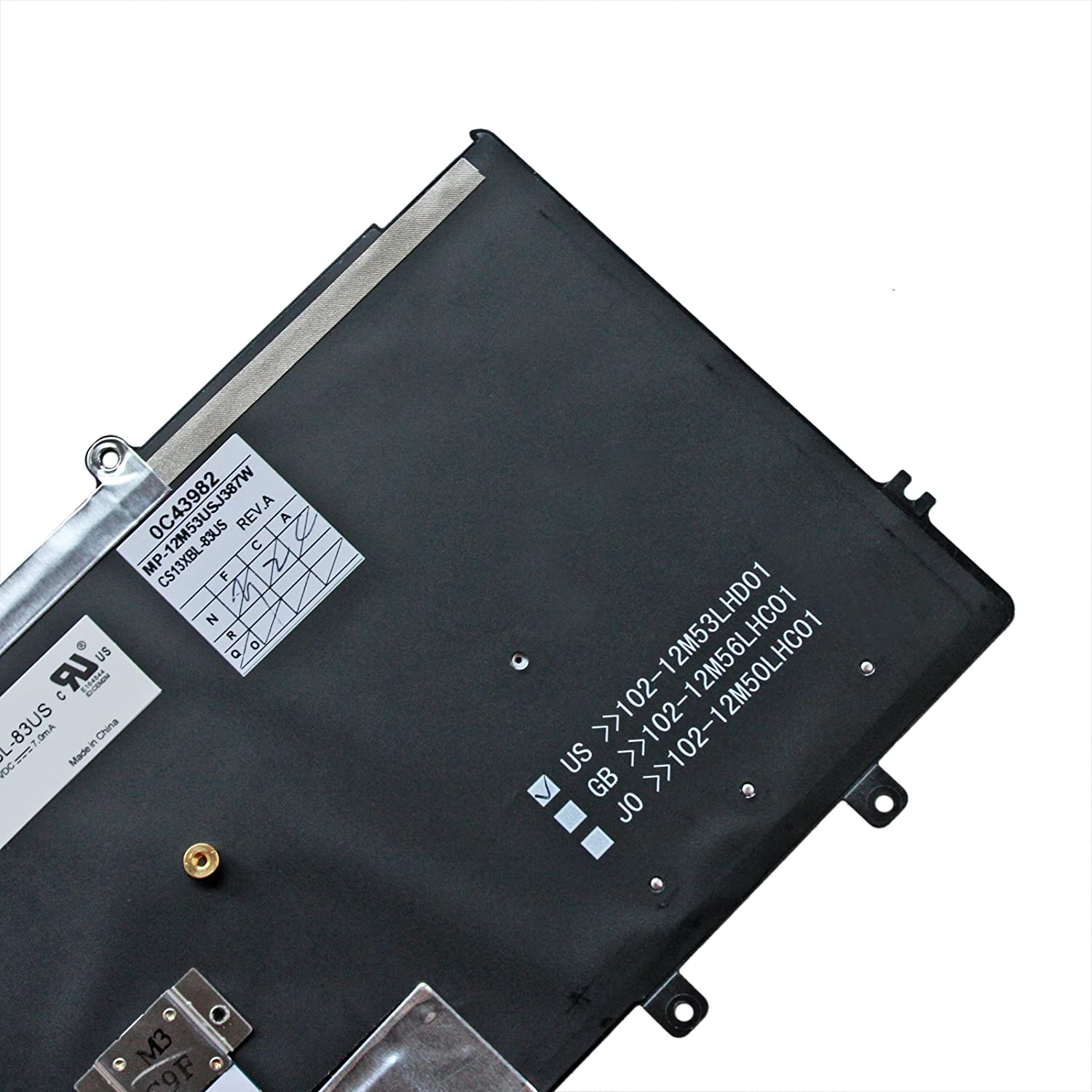
  • US / United States Layout, English Language, Qwerty Standard. Black Color.
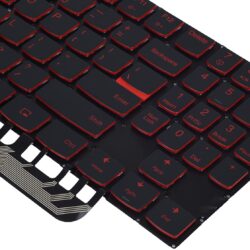
  • With Backlite Keyboard
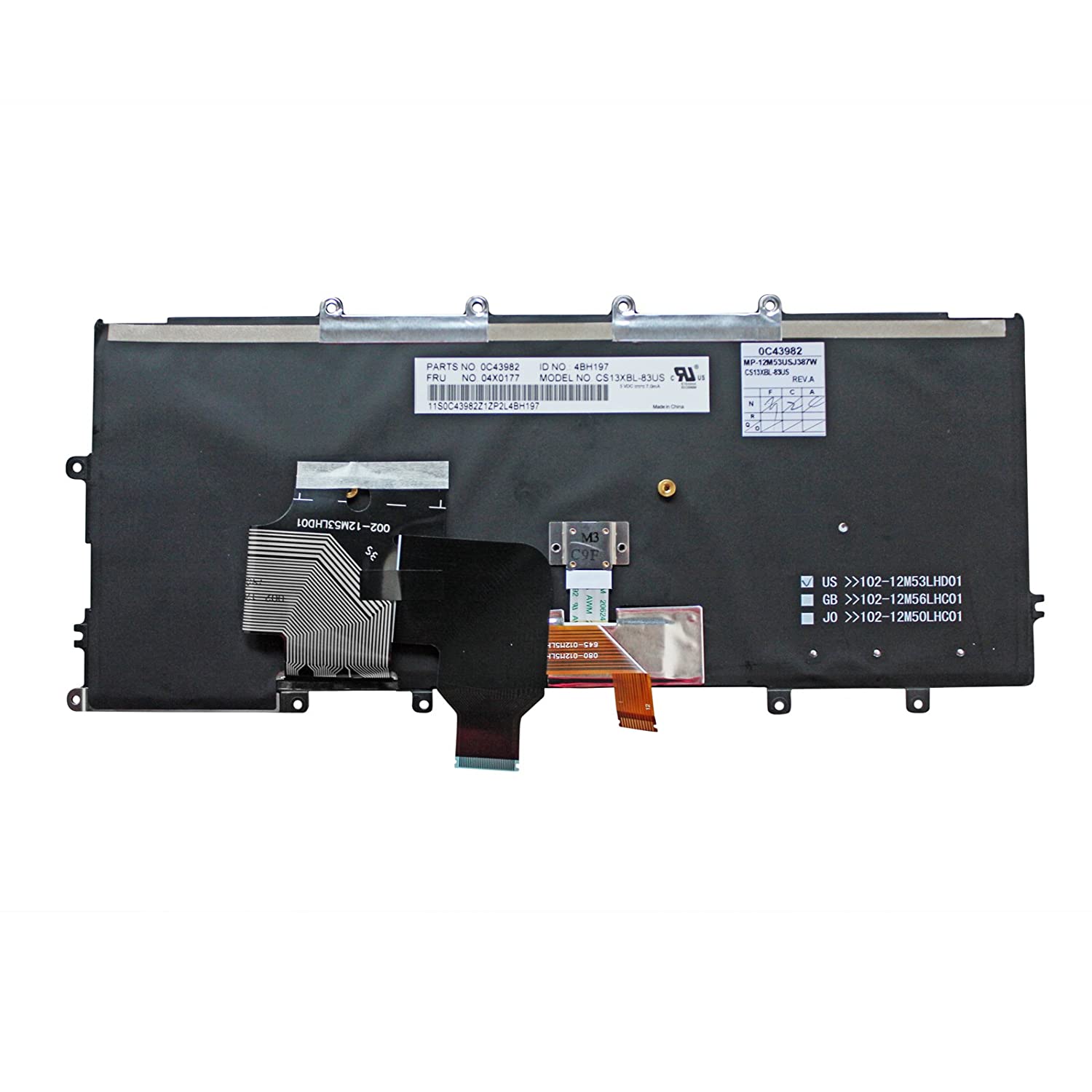
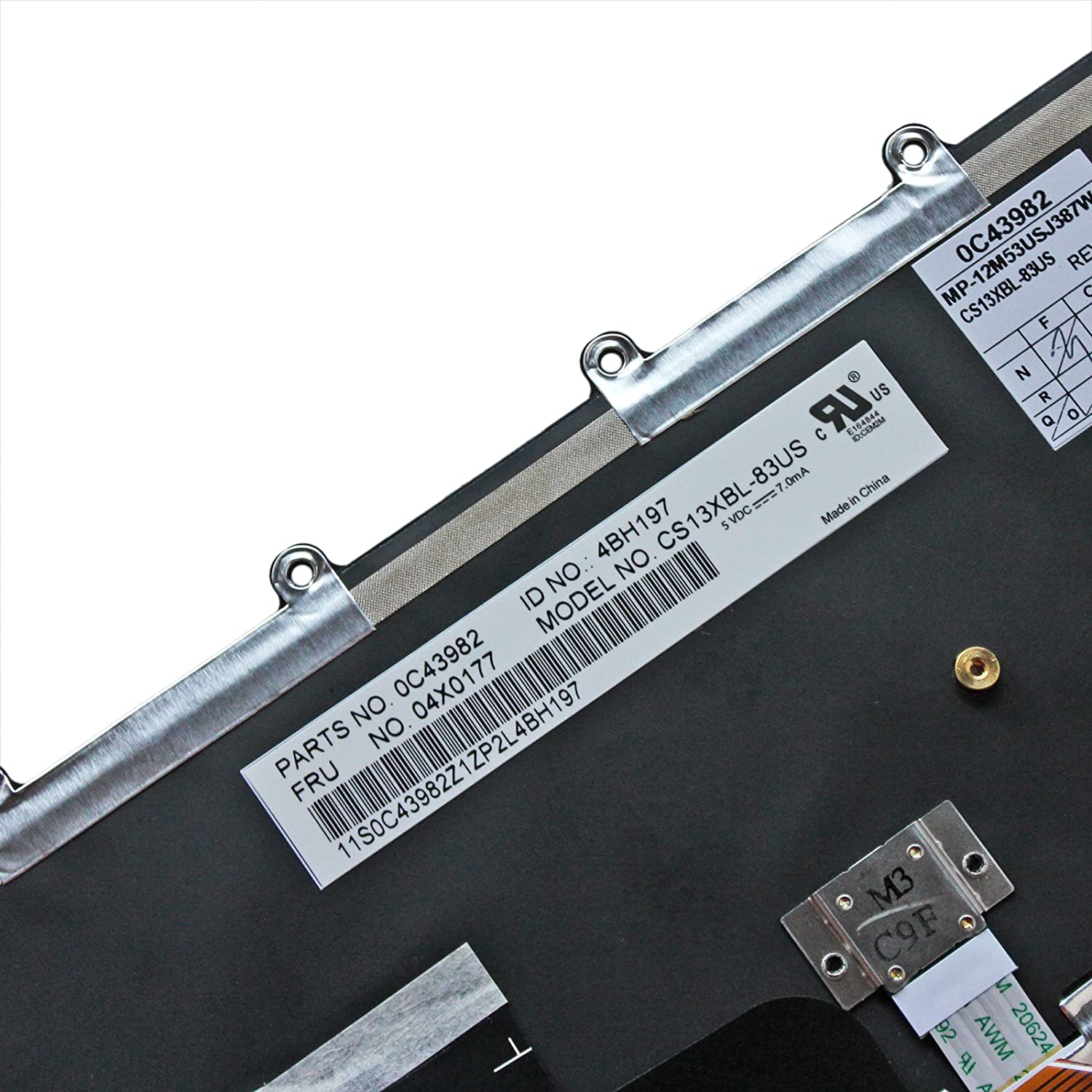
  • Compatible FRU Part Number : 04X0215 04X0177 0C02291 04Y0900
  • Compatible Model : X230s type 20a3 20ag 20ah / X240 type 20al 20am / X240s type 20aj 20ak / X250 type 20cl 20cm  / X260 / X270

US Backlit Keyboard for IBM Lenovo ThinkPad X240 X240S X250 X260 (Black)

Lenovo ThinkPad X240 Keyboard is a high quality replacement keyboard which is perfect for replacing your old and broken laptop keyboard. US Layout and brand new, 100% compatible with your laptop, with 6 months warranty for manufacturer’s defects and 30-days money-back guarantee on all products.

How to choose the correct Lenovo X240 Keyboard ?

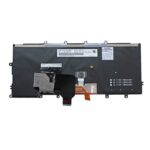
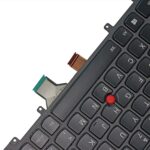
Before you order, Please firstly compare the picture with your keyboard, especially the ribbon cable (position, length and width). Make sure that the model of laptop and part number of keyboard is the right one you need as well as the layout version.

If you dont have the Keyboard, then you just need to search for your laptop model number or Compatible Part Numbers and Model Numbers are given below in the description.

If you are still not sure after a comparation, please Contact us at 0261 3150304.
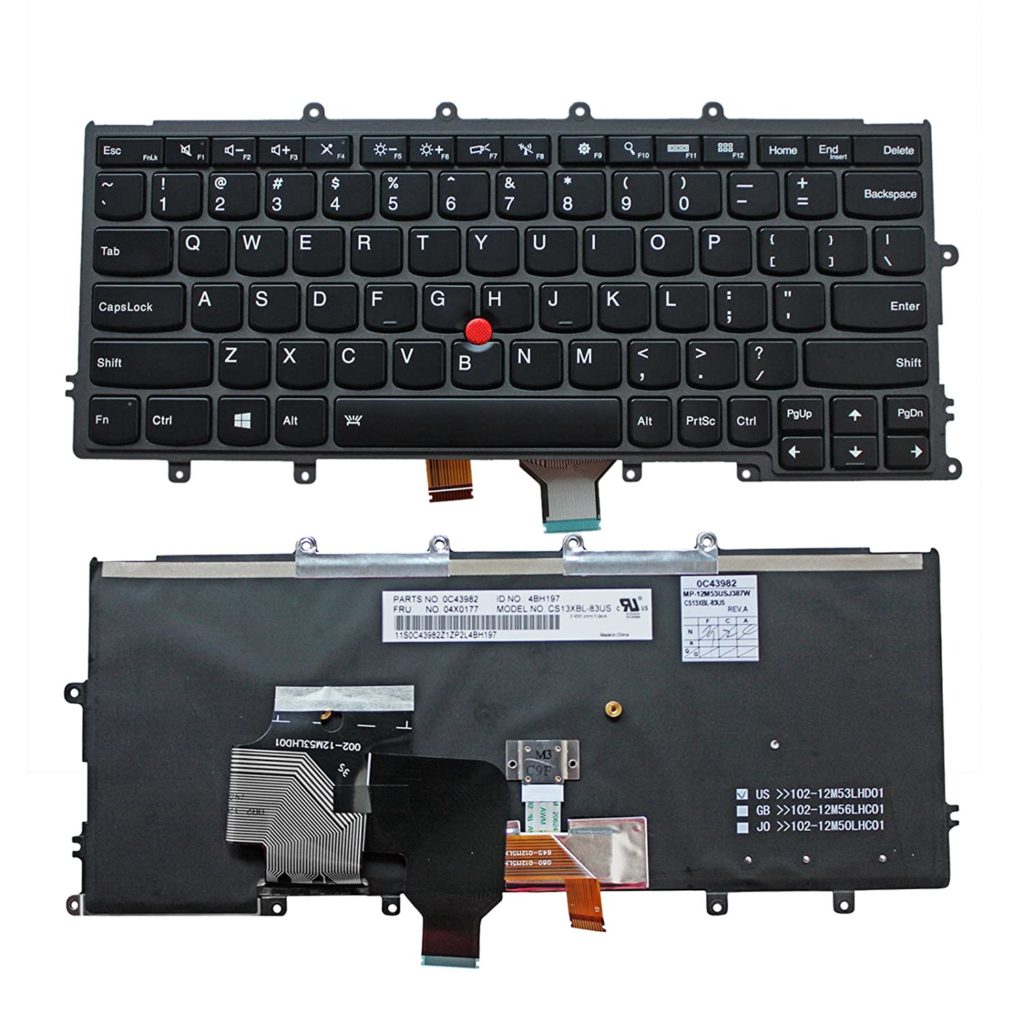
US Backlit Keyboard for IBM Lenovo ThinkPad X240 X240S X250 X260 (Black)

Fits Laptop Models

  • Lenovo 04Y0900 keyboard
  • Lenovo 0C02291 keyboard
  • Lenovo 04Y0938 keyboard
  • Lenovo 0C44711 keyboard
  • Lenovo X230S keyboard
  • Lenovo ThinkPad X240 keyboard
  • Lenovo ThinkPad X240S keyboard
  • Lenovo ThinkPad X240I keyboard
  • Lenovo ThinkPad X250 keyboard
  • Lenovo ThinkPad X260 keyboard
  • Lenovo ThinkPad X260S keyboard

How to Install / Replace your Lenovo ThinkPad X240 Keyboard?

    • Turn off your laptop. Disconnect the AC adapter and any cables, then remove the battery. Turn the laptop over and let it cool off for a few minutes before you begin.
    • On the underside of the notebook, you’ll find screws holding the keyboard and palm rest in place. Set the screws aside, and be sure to keep track of them all.
    • Turn it over and open the Lid. Slide your fingers under the top of the palm rest and gently pull it up, moving from the center to the outer left and right edges. Leaving the fingerprint reader attached, place the palm rest down in front of the unit.
    • Lift the damaged LENOVO Thinkpad X240 Keyboard up from the front, then pull it toward you to release it from the notebook’s frame. Pull up on the connector to detach.
    • Attach the new LENOVO Thinkpad X240 Keyboard replacement‘s connector. Position it over the space vacated by the old connector, and press down firmly until it snaps into place. Slide the top of the keyboard under the lip of the frame (near the display). Ensure that the top edges are just under the frame. Tilt the keyboard down until it lays flat and sits flush with the top, left, and right edges of the frame.
    • Align the bottom edge of the palm rest along the base of the frame, then press down until the top is also in place. Press firmly on the left and right edges to snap the palm rest into place again.
    • Close the Lid, and turn the notebook over. Replace all the screws, making sure to tighten them securely. Insert the battery, plug in your AC adapter, and enjoy your new keyboard.

    •  

Why buy from Lap Gadgets ?

Additional information

Weight 0.5 kg
Dimensions 45 × 19 × 8 cm

1 review for US Backlit Keyboard for IBM Lenovo ThinkPad X240 X240S X250 X260 (Black)

5.0
Based on 1 review
5
100
100%
4
0%
3
0%
2
0%
1
0%
1-1 of 1 review
  1. Product is absolutely fine

    (0) (0)
Add a review
You must be logged in to post a review Log In

Q & A

Ask a question
US Backlit Keyboard for IBM Lenovo ThinkPad X240 X240S X250 X260 (Black) US Backlit Keyboard for IBM Lenovo ThinkPad X240 X240S X250 X260 (Black)
Your question
* Question is required
Name
* Name is required
* Please tick the checkbox to proceed
This site is protected by reCAPTCHA and the Google Privacy Policy and Terms of Service apply.
There are no questions yet